
Your people, from the day they are hired. Profiles, leave, shifts and reviews in one place.
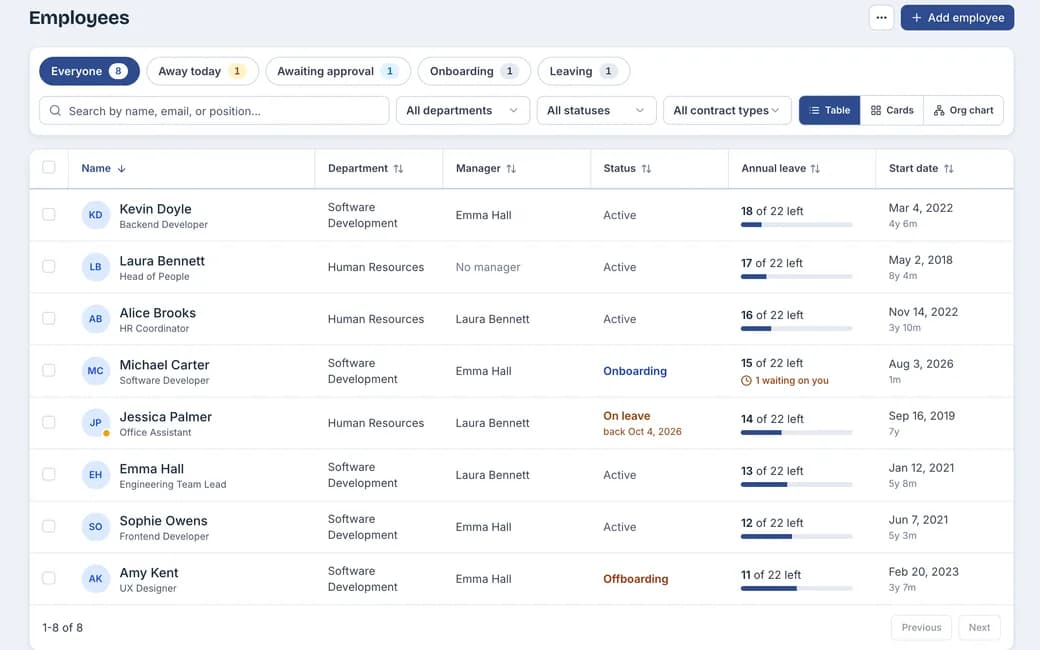
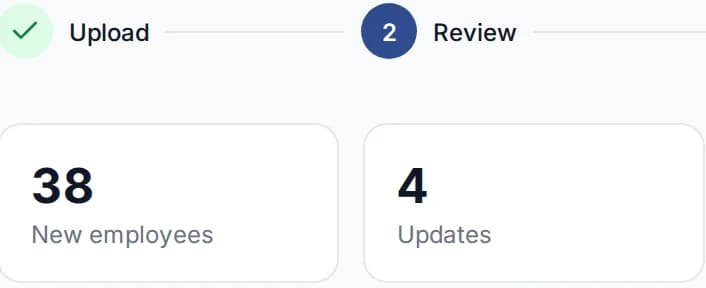
Example. Names and figures are made up.
From hired to the first week, in three steps. Nothing is typed twice.
Mark them hired
Their profile opens with what hiring already collected.
Check and publish
Your current team comes in from a spreadsheet, with a dry run first.
Start the joining protocol
From your template, every task with an owner and a due date.
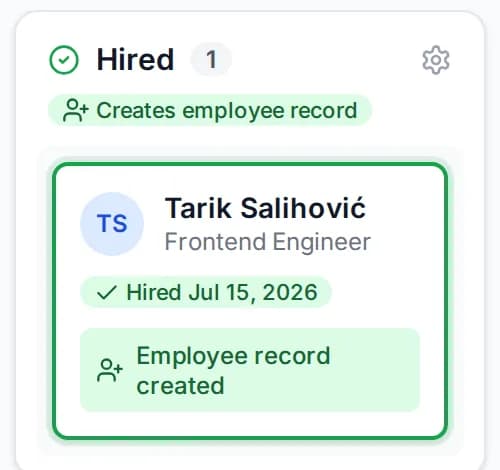
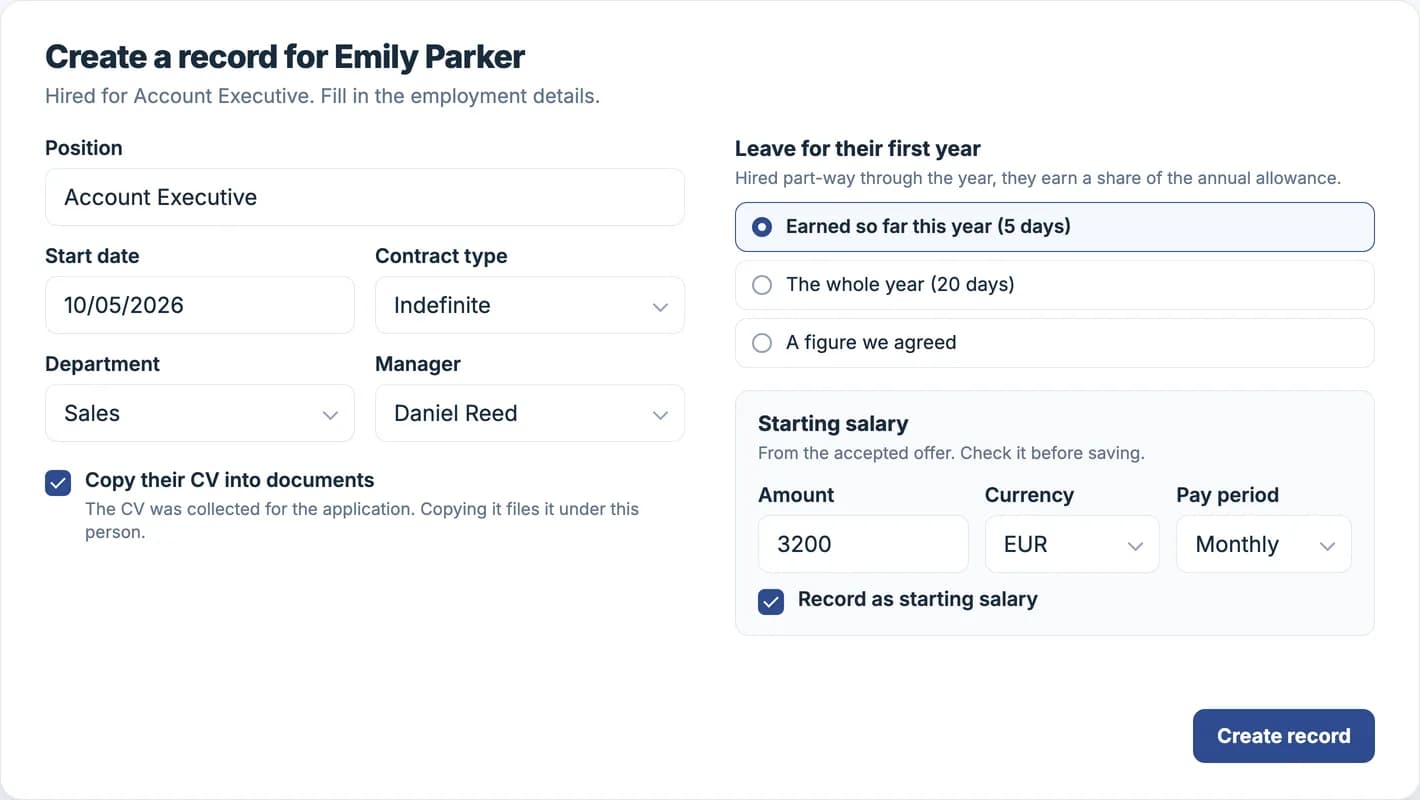
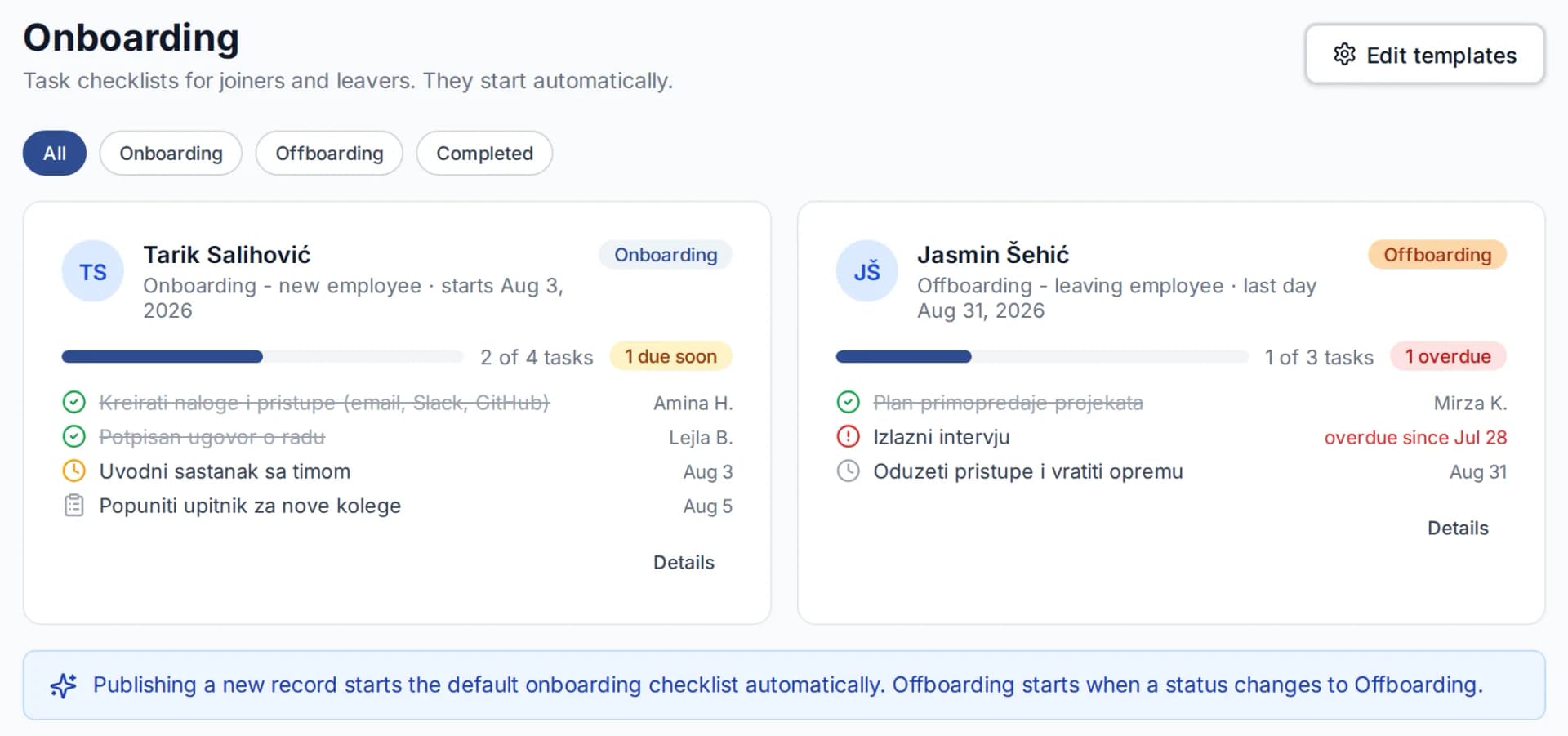
Example. Names and figures are made up.
One profile per person. Everyone sees their own. You see the whole team.
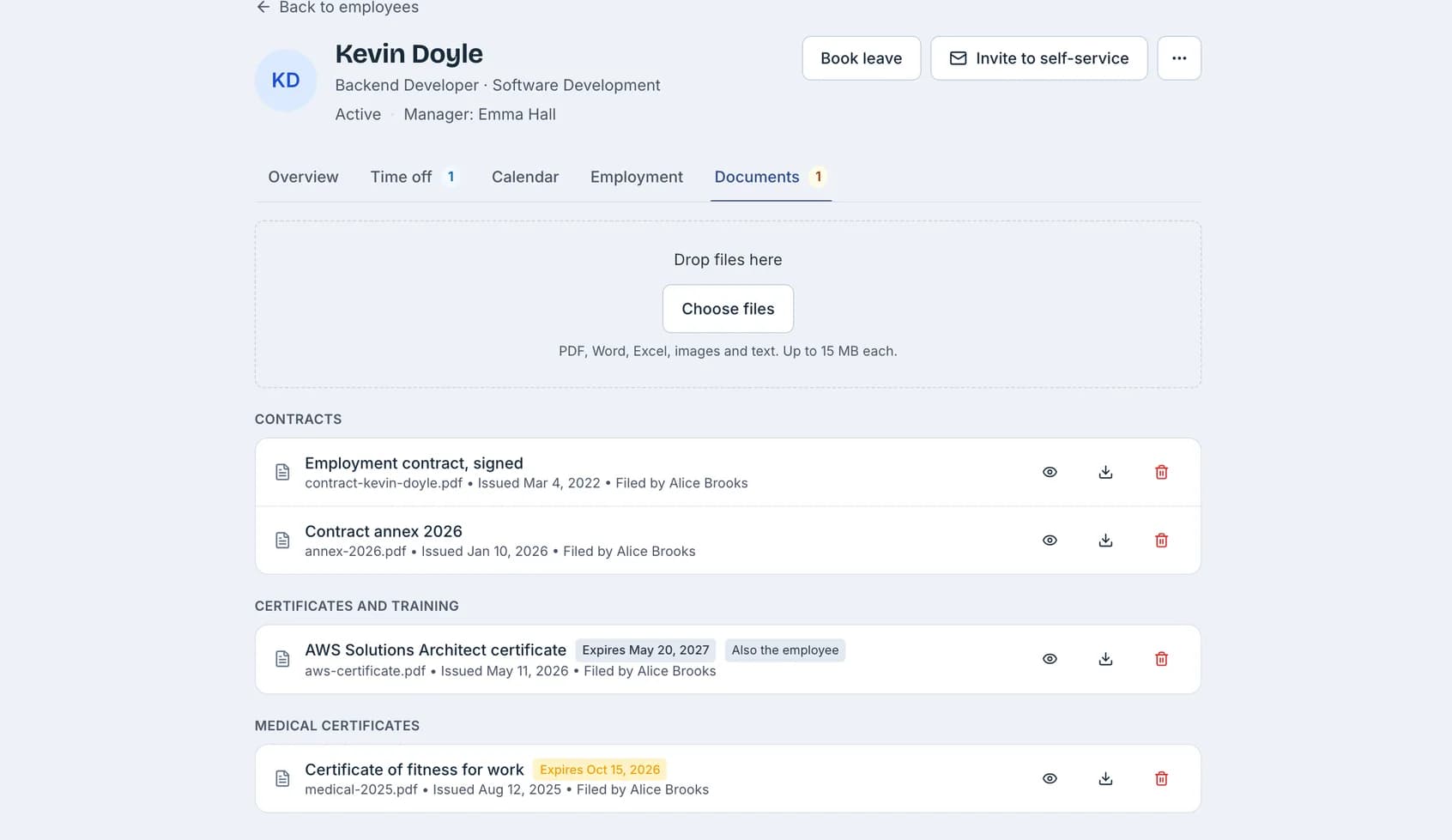
Profile and documents
Contracts and certificates in categories you name, with a reminder before one expires.
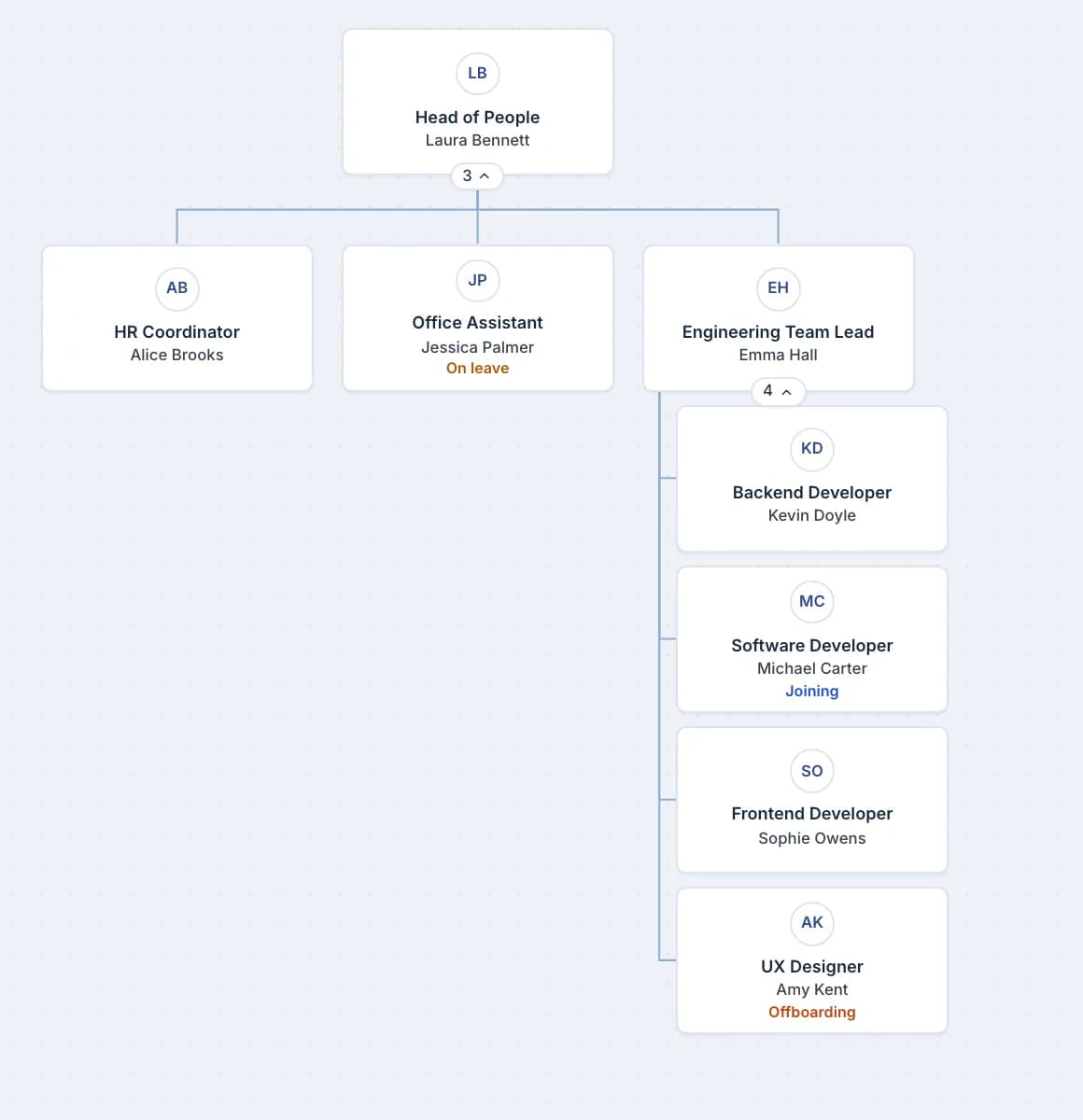
Org chart
Drawn from each profile's manager, with joining, on leave and offboarding marked on it.
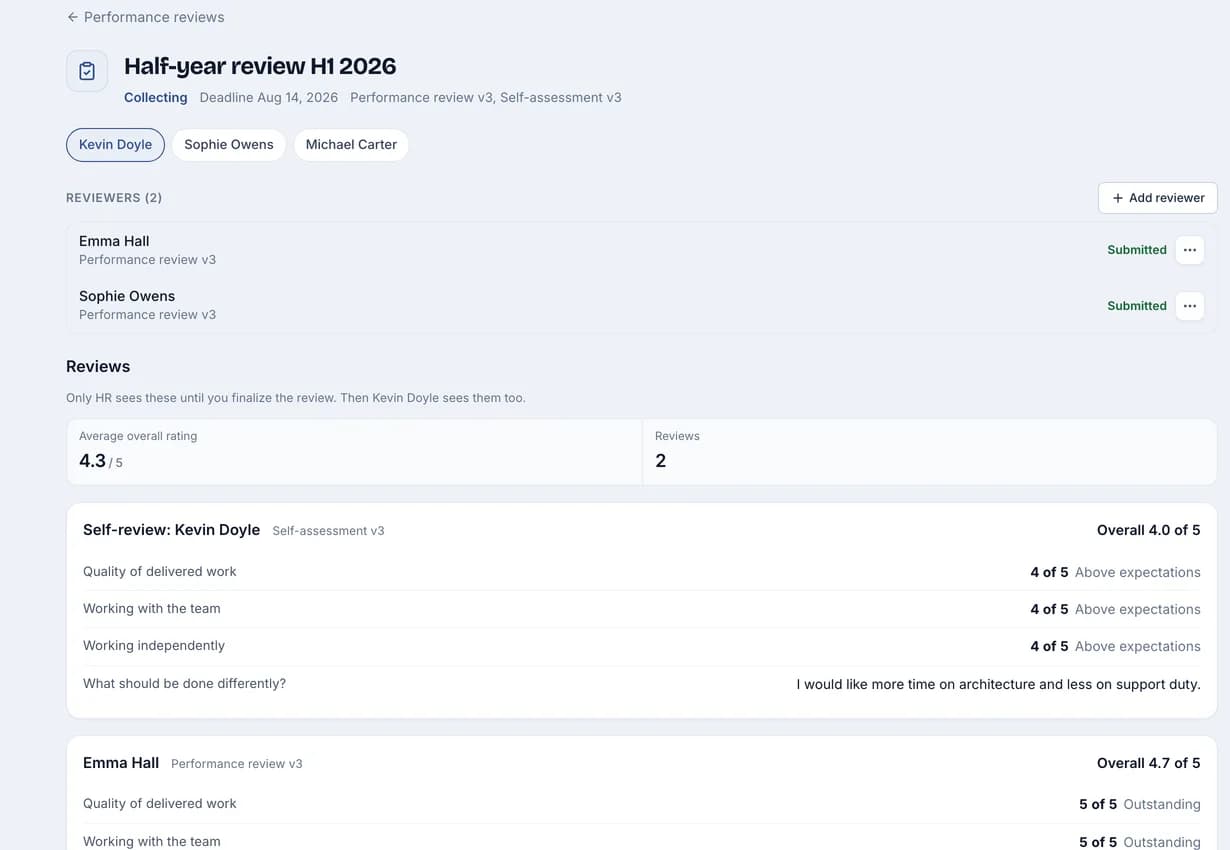
Performance reviews
Downward, upward, peer or paired, with an optional self-review. You choose who writes.
Self-service and analytics
People update their contact details and follow their leave. You see headcount, starters, leavers and turnover.
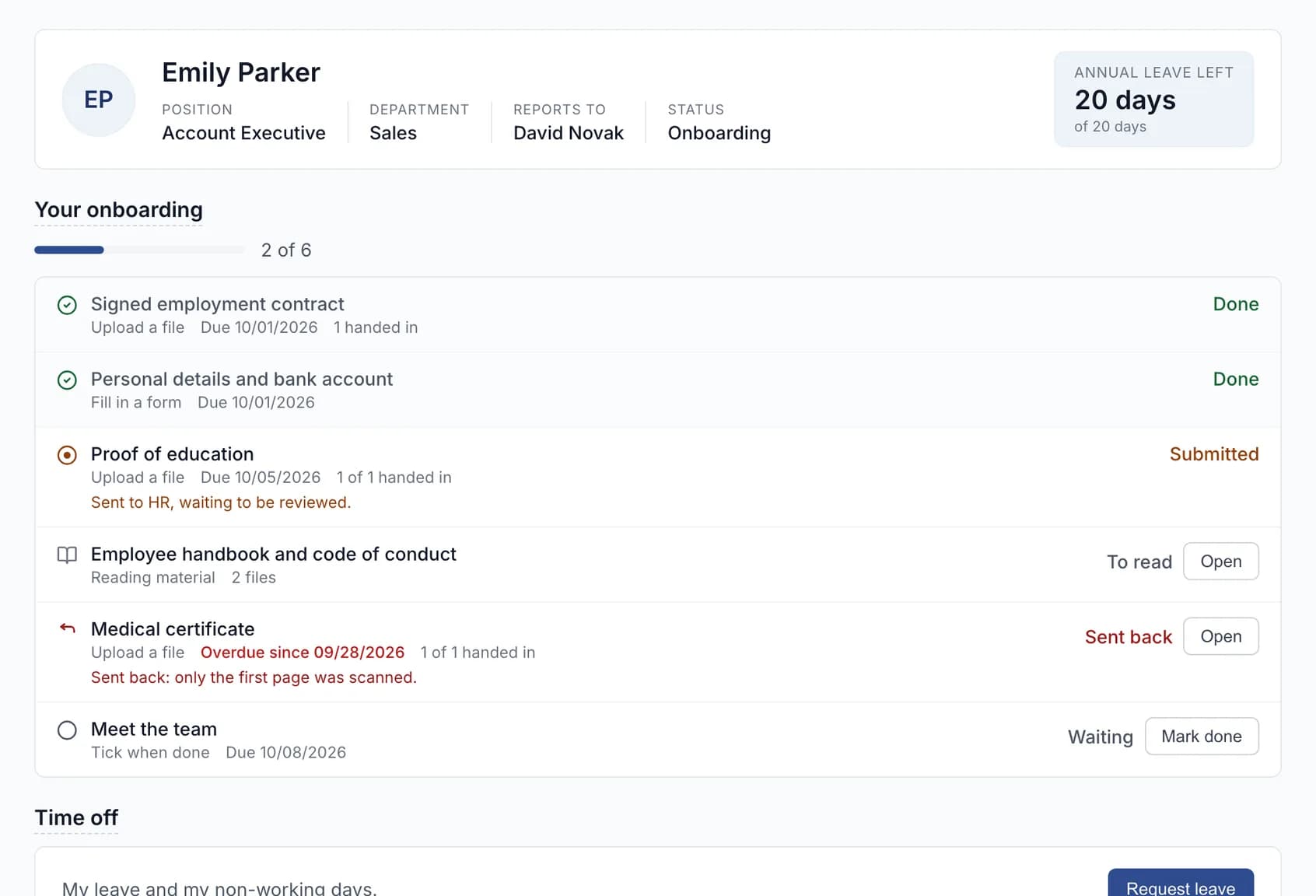
Example. Names and figures are made up.
Time off that counts itself. Ask, approve, and the balance updates.
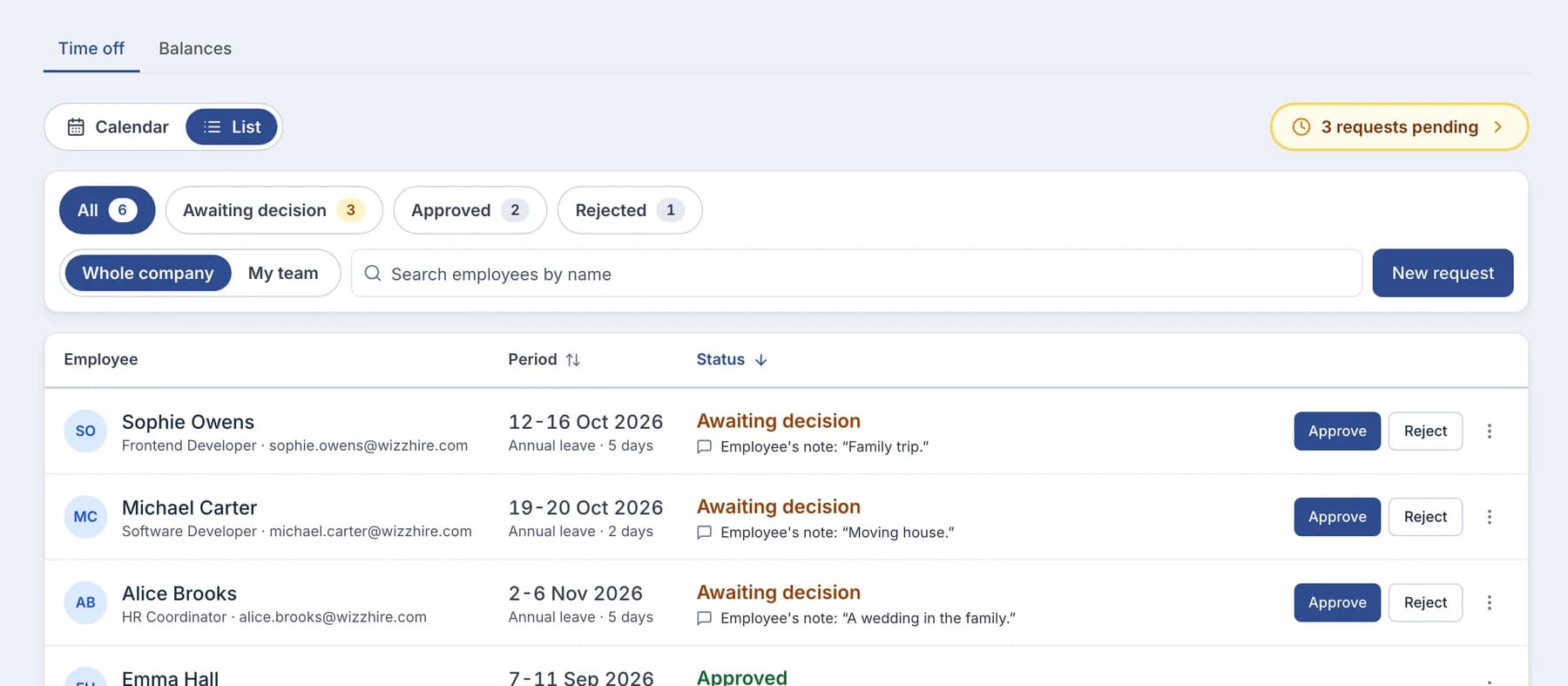
Requests and approvals
Approvers see the balance before and after, and a refusal always carries a reason.
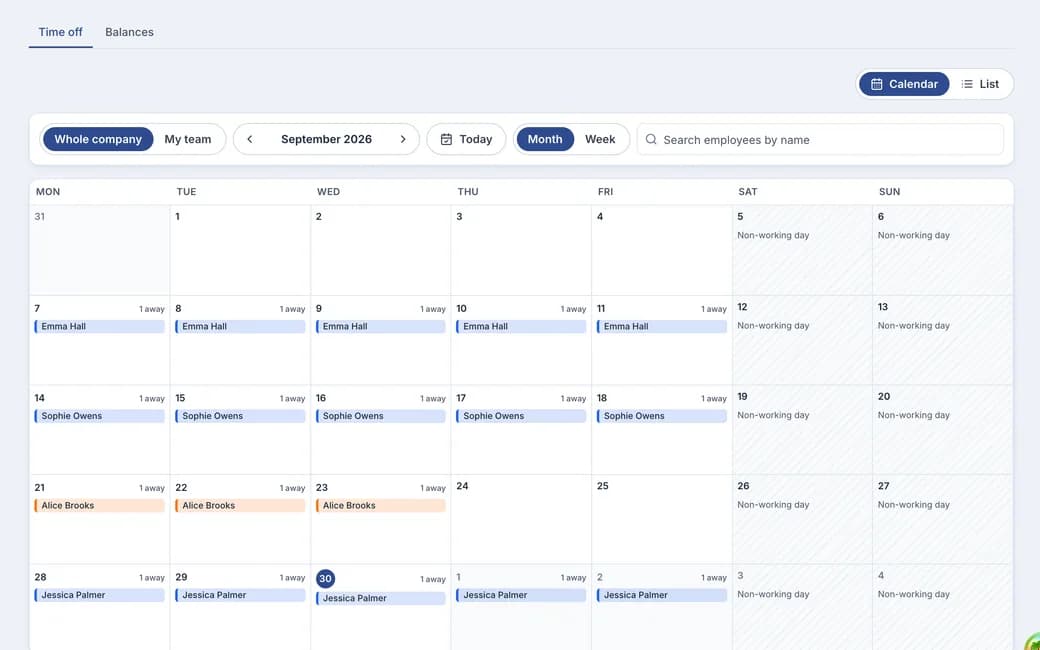
Absence calendar
Who is off and when, on one calendar. Holidays never count as leave days.
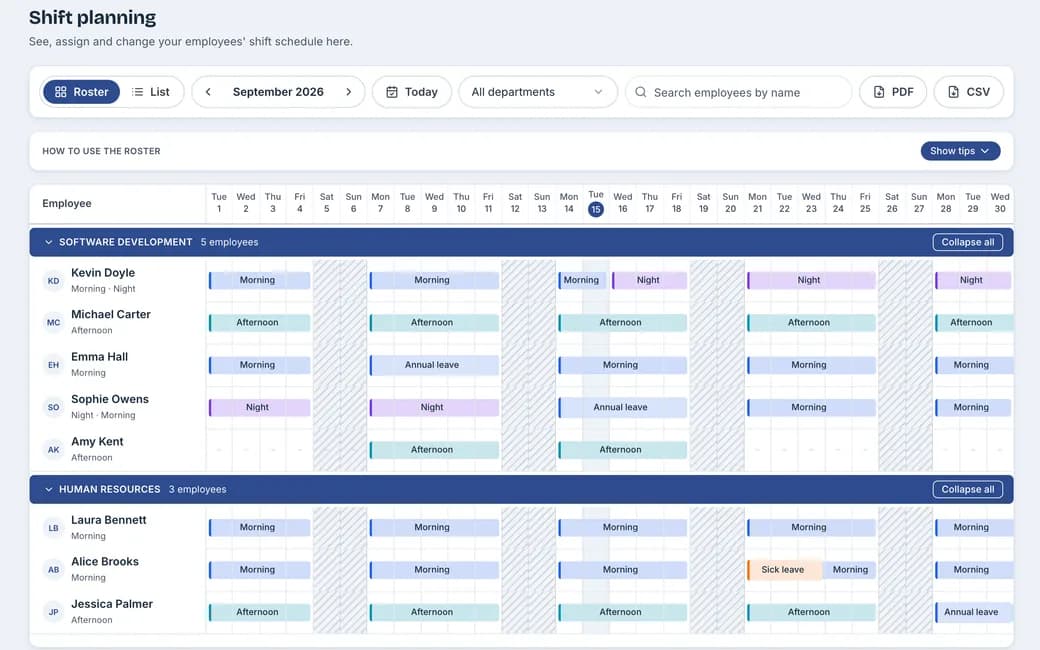
Shifts and work time
Plan the month by department around approved leave. The work-time record is offered from the shifts for you to accept.
Example. Names and figures are made up.
Your rules, not somebody else's. Nothing arrives preloaded.
- Leave types and policies
- Named by you, counted your way.
- Holiday calendars
- More than one if teams follow different ones.
- Who approves what
- Each request goes to the person you chose.
- Documents
- HR alone, or the employee too, per document.
- Reviews
- Seen once HR shares them, without the writers' names when anonymous.
- Bosnian or English
- In the language each person picks.
Ask an AI about WizzHire HR
Opens the question in the assistant you already use, set to read this page first.
Bring your questions to a demo. Or start a free trial and set it up yourself.
More from WizzHire HR
- Hire to employee
- Employee profile
- Org chart
- Protocol
- Time off
- Absence calendar
- Shifts and work time
- Performance reviews
- Employee access
- HR setup